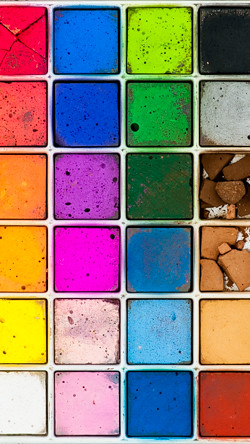
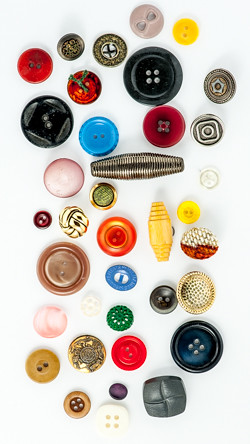
L to R – My Mom’s marbles, Lisa’s chalks, Lisa’s buttons
Back in September last year, I was approached by a product manager at work who was looking for some very specific type of photos to support the new Picture Password feature in BlackBerry 10.2.1. The feature allows you to unlock your phone (or “device”, as we say) with an overlay of randomized digits on top of a photo. You line up a pre-selected digit with a pre-selected area of the photo and, bam, device unlocks. So cool and resistant to shoulder-surfing. This fellow, J. Caloy, on YouTube has *the* best explanation.
The photos needed to: (a) be portrait orientation, (b) have numerous and evenly distributed points of interest, and (c) be somewhat interesting visually. Skimming through thousands of my photos, I discovered I had very few that (at least) met the first two criteria. I mostly shoot landscape and I often try to steer the viewer’s attention with very deliberate composition and DOF. All of which was incompatible with this gig. The TL;DR is I ended up getting four of my photos into BB10.2.1 software: the marbles, chalks, buttons, and shells. The photos above are not the photos that went in the product (all lawyers please re-read that last part), they’re just generally similar. They’re also intentionally low-res so don’t snag them for your phone because they’ll look sub-optimal.
Click through for more of the story and see some of the rejected photos…
Continue reading →